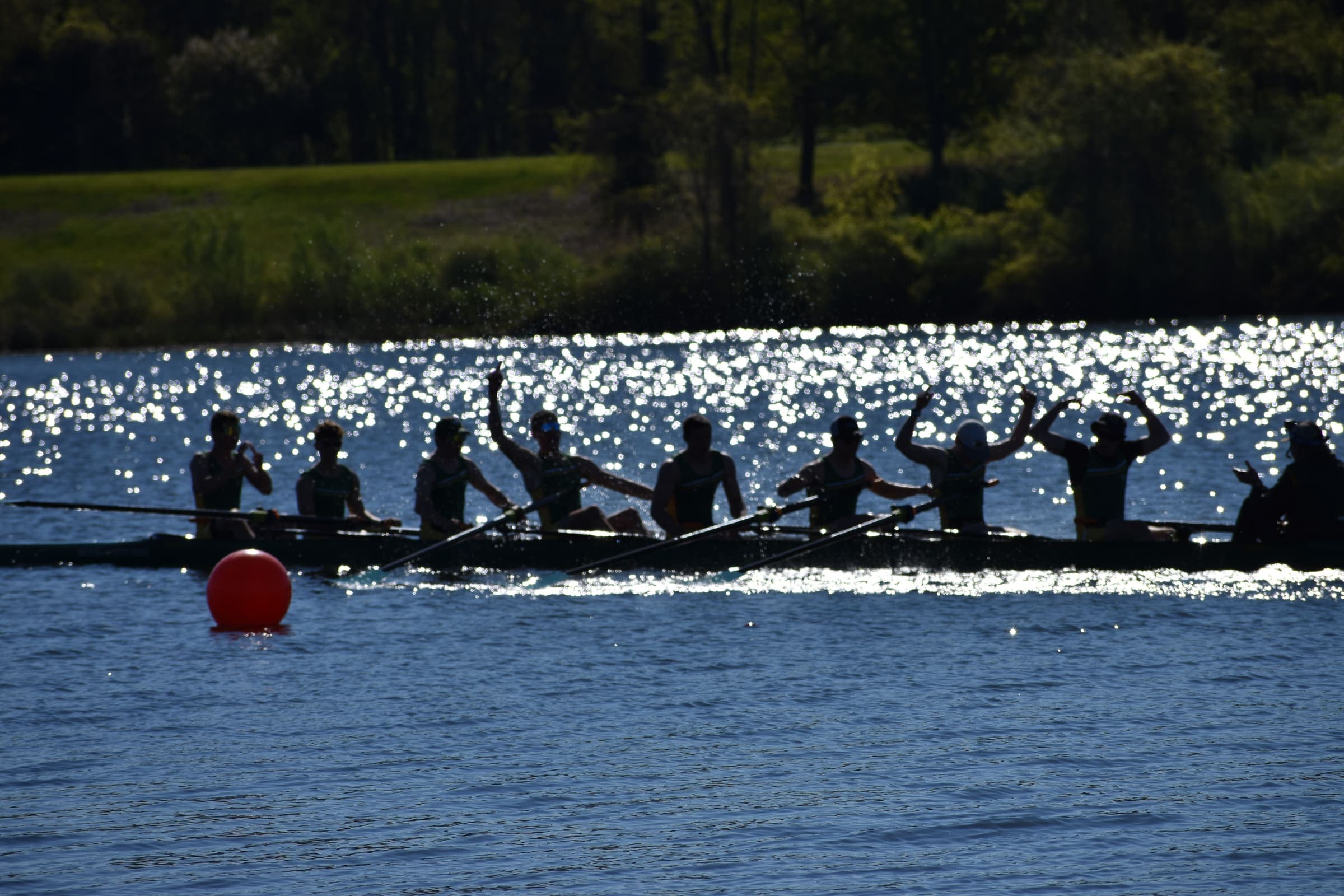
The force curve from every seat in the boat.
A Force node on each seat’s rigger backstay records the force curve of every stroke and shows it to the rower live. You download the session at the dock.
For high school, college and club coaches. We’re choosing beta crews now.
In development
See whose catch is early, and who’s carrying the boat.
A rate meter tells you about the boat. The crew view will show you every seat in it: whose catch lands late, who does the work through the middle of the drive, and whether port and starboard pull evenly. It needs two things we’re still building: calibration, so every node reads in kilograms, and Vieve, the RowTech cox box, which puts every seat on one clock.
How an outing gets from the rigger to your phone.
Step 1
Fit a node to each seat
The load cell goes in the rigger backstay. In the concept design, the node clamps to the stay in front of the rower.
The screen shows example data, and the Vieve link as designed. Step 2
Row
Each node finds each catch and release on its own and starts recording at the first stroke. The rower sees their own peak and curve.
Step 3
Download the session
At the dock, connect your phone to the node’s own Wi-Fi and download the session. You get the numbers for every stroke, the force curve of every stroke, and the timing of everything that happened.
One stroke, taken apart.
How fast the blade loads, how high the peak is and where it lands, and where the work goes through the drive. Pick a measure to see where it lives on the curve.
Example stroke 147, 28.4 spm
peak61.4kg
- catch
- drive
- peak
- release
- recovery
Catch ≈3 ms
The node marks the catch where force crosses 15% of the rower’s recent peak (9.2 kg here) and interpolates between samples. Samples arrive every 12.5 ms; the catch lands to within about 3 ms. That precision is what makes crew timing possible.
Example data, in kilograms as a calibrated node will read. Until a node is calibrated, force reads in raw sensor units.
The node measures each stroke like this, on every seat that has one.
Two products, one system.
Concept design. Its screen shows example data, and the Vieve link as designed.
Force, the seat node
One on each seat’s rigger. It records the force curve of every stroke and shows the rower their own.
In development
Vieve, the RowTech cox box
The cox’s voice to the boat’s speakers, and the hub that puts every seat on one clock.
Questions a coach might ask.
Do we need Wi-Fi at the boathouse?
No. Each node runs its own network: join it from a phone or laptop and open a browser. There’s nothing to install.
Does it replace our cox box?
Not yet. The seat nodes work alongside whatever you already use. Vieve, our own cox box, is in development: it will carry the cox’s voice and tie every seat together.
Which boats and riggers does it fit?
The load cell mounts on the rigger backstay. For now it fits Vespoli riggers, and more are coming soon. Tell us which boats you row when you apply.
Where does the data go?
Onto each node’s microSD card, and off it as plain files over the node’s own Wi-Fi.
How accurate is it?
Timing is measured on the node itself, and it doesn’t need calibration. Force readings do: each node has to be calibrated against known weights, and we haven’t done that yet. Until we do, force reads in raw sensor units. The Force page says where calibration stands.
Are you RowTech Solutions?
No. RowTech (rowtech.app) is run by Caden Polk in Ohio, United States and isn’t connected to RowTech Solutions, a separate company in Europe that also makes rowing sensors.
Tell us about your crew.
We’re choosing beta crews now, and new parts have been ordered for Force v1.4. Apply, and we’ll get in touch to discuss next steps.
Beta crews get testing units at the cost of their materials, and a direct line to the people building it. Keep your units, or send them back for a discount on the finished product. If a unit fails, send it back and we’ll replace it. Write to polkcade27@sehs.net.
The beta’s terms are on the Terms page.